For your
curious side.
Articles, news stories and research papers. Save readable article text or import the original PDF.
Read • Reflect • Revisit
 Vaultby JTR Labs
A LITTLE SPACE FOR YOUR CURIOSITY
The article for your next quiet morning. The paper for your big idea. The little things you don’t want to lose.
Give them a home in Vault.
In beta for iOS & Android. Store release in preparation.
 Saved for a slower moment.
MAKE ROOM FOR WHAT MATTERS
Articles, news stories and research papers. Save readable article text or import the original PDF.
Shipping labels, résumés, quarterly statements, receipts and contracts. Start with a preset and keep things organized.
A quick note, a photo, a voice memo or a link from another app. Capture it while it’s still fresh.
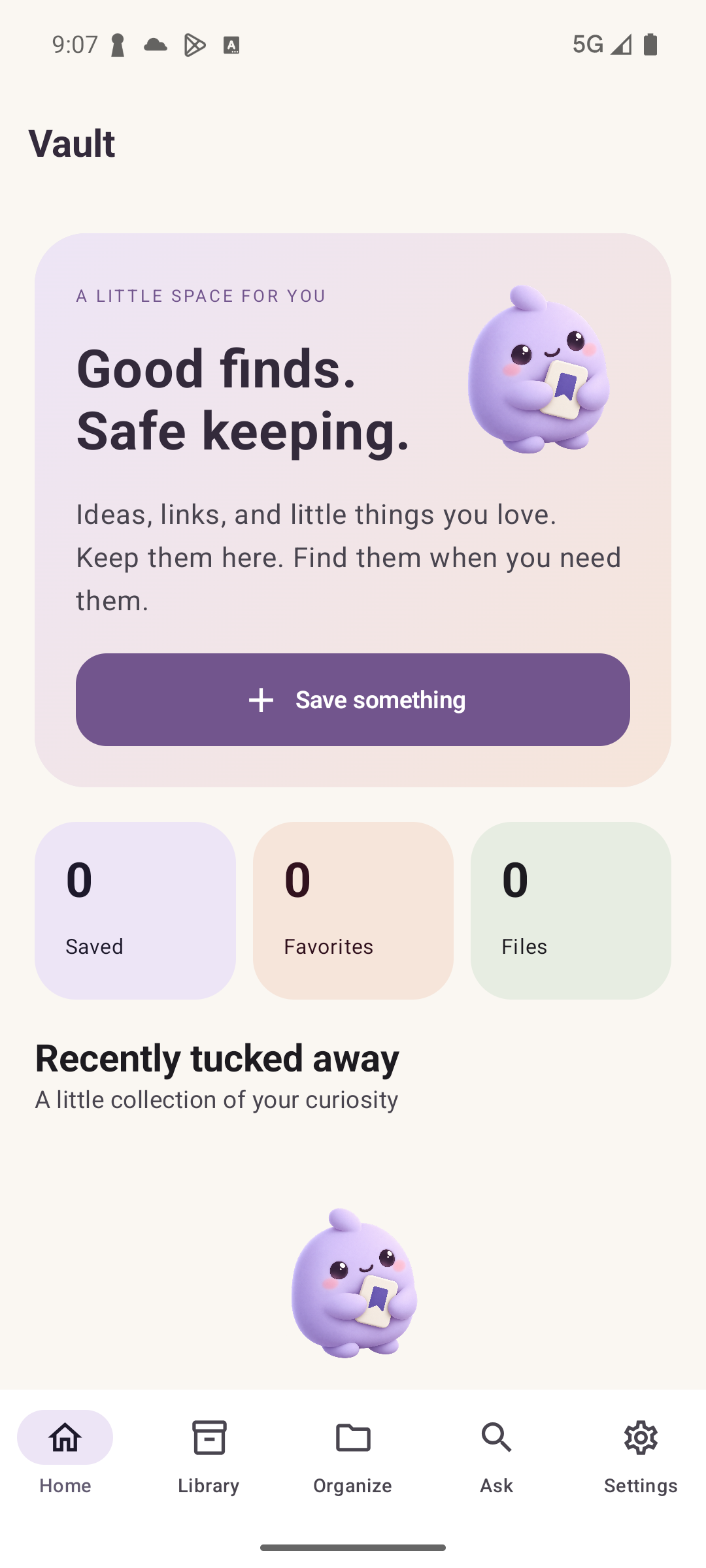
An actual Vault Android screen.
LESS HUNTING. MORE FINDING.
Share to Vault, import a file or write a note. Unfinished drafts and failed saves have a place to return to.
Use collections, tags and document presets. Pin the important things and favorite what you love.
Search saved text, including text extracted from supported images and PDFs. Reopen downloaded content offline.
FOR THE TRAIN. THE FLIGHT. THE QUIET CORNER.
Successfully saved article text and imported files stay on your device. Open them when you’re ready—even without a signal.
Article capture stores readable text, not a complete copy of a website. Images, embedded videos, paywalled content and interactive features may not be included. Import original PDFs, audio, videos or other files when available. Attachments are limited to 25 MB per file; some formats need a compatible viewer. Check that a save or download completed before going offline.
YOU CHOOSE WHAT CONNECTS
Your local library works on its own. Export backups to a destination you choose.
Connect iOS and Android, manage individual devices and keep your recovery kit safe. Sync uses HTTPS, but is not end-to-end encrypted. Private saves also sync when you enable it.
On supported devices, Apple Intelligence or Gemini Nano can draft answers from saved sources. No API keys and no cloud fallback. Search and offline reading work even when local AI is unavailable.
Read the full privacy policy →A HOME FOR YOUR NEXT GOOD FIND
Vault is in beta. Ask us about availability, or get help with an existing library.
Say hello